Singapore VPS Hosting: How to Choose the Right Server
Introduction
Singapore is an important technology and connectivity hub in Southeast Asia. For businesses expanding into the region, a Singapore VPS can provide a practical location for hosting websites, applications and business services.
Choosing a server should involve more than selecting a country from a provider's location list. Consider the location of your users, network connectivity, server resources and support policies.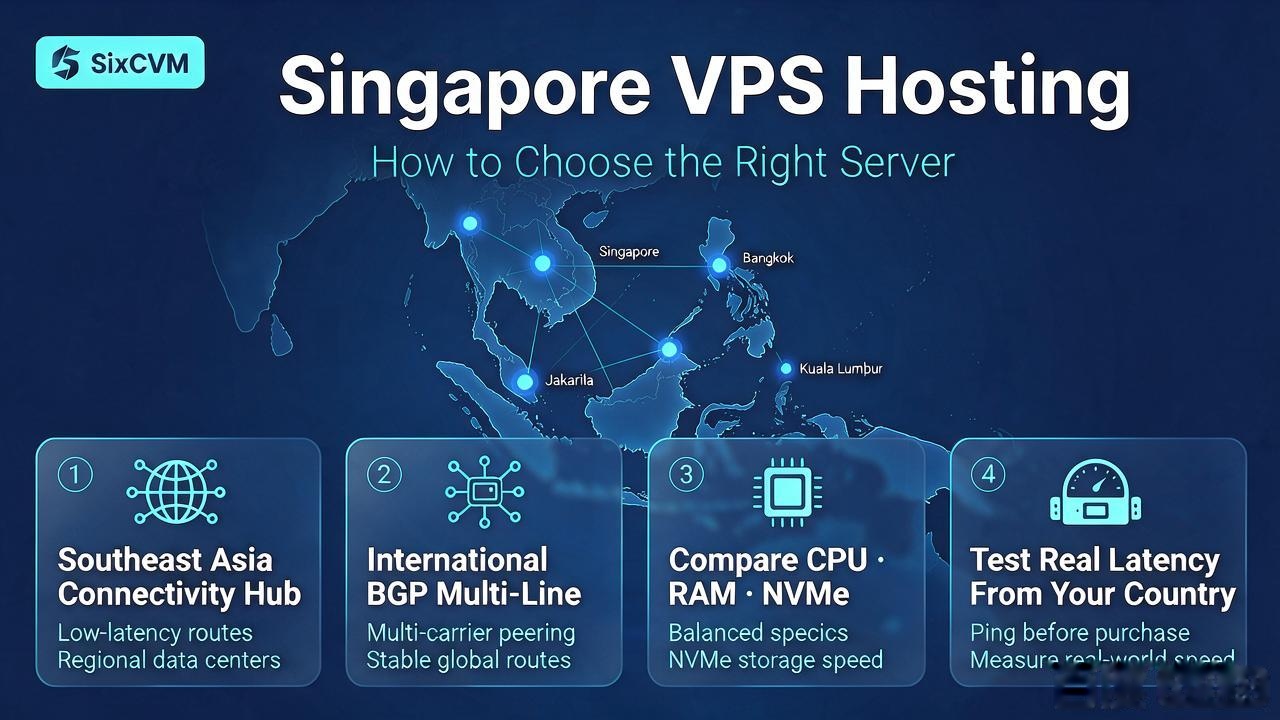
1. Why Choose a Singapore VPS?
A Singapore VPS may be suitable for businesses targeting customers in Southeast Asia and international markets. Typical use cases include regional e-commerce websites, business applications, corporate websites, API and application backends, development and testing environments, and regional content platforms.
If most visitors are in Singapore, Malaysia, Thailand or nearby countries, Singapore is a location worth testing.
2. Check Network Connectivity
A server's network performance depends on more than its physical location. Important factors include international routing, available bandwidth, latency to target countries, packet loss, network congestion and traffic policies.
SixCVM describes its Singapore cloud server as using international BGP multi-line connectivity. The product page also lists KVM virtualization, NVMe storage and dedicated IP options. Test from the countries where your customers are located rather than relying only on an advertised latency figure.
3. Compare Singapore VPS Configurations
Compare CPU, RAM, storage, bandwidth and traffic policy together. A higher vCPU count does not automatically guarantee faster performance if the application is limited by memory, disk I/O or network capacity.
The table below is an example of how to present plan information. Confirm every value against the live product page and checkout before publication.
4. How Much VPS Resource Do You Need?
A small personal website may work with a basic configuration. A WordPress website with multiple plugins, a database and regular traffic may need additional memory. An e-commerce platform or application backend may require more CPU and RAM, depending on concurrent users and background processes.
Monitor actual resource usage after deployment. Do not assume that a higher-priced plan automatically fixes every performance issue.
5. Why Consider SixCVM Singapore VPS?
SixCVM lists Singapore cloud server plans with KVM full virtualization, NVMe storage and international BGP connectivity. Customers can compare available configurations and select a plan based on their deployment requirements.
Check the live product page for current plan availability, billing terms and traffic policy.
Example plan layout — verify before publication
|
Plan |
CPU |
RAM |
Storage |
Bandwidth |
Example listed monthly price |
|
Starter |
1 vCPU |
1 GB |
70 GB NVMe |
10 Mbps |
$11.00 |
|
Standard |
2 vCPU |
4 GB |
70 GB NVMe |
10 Mbps |
$24.20 |
|
High Performance |
4 vCPU |
8 GB |
70 GB NVMe |
10 Mbps |
$48.40 |
|
Enterprise |
8 vCPU |
16 GB |
70 GB NVMe |
10 Mbps |
$99.00 |
Frequently Asked Questions
Is Singapore VPS good for Southeast Asia?
It can be a suitable regional location, but test latency and connectivity from your main customer countries.
How much does Singapore VPS hosting cost?
Prices depend on the plan and current offers. Confirm the current price on the product page before purchasing.
Can I host WordPress on a Singapore VPS?
Yes. You can install WordPress on a compatible Linux VPS after configuring the web server, PHP and database.
Is Singapore VPS suitable for international businesses?
It may be suitable for regional services, but businesses with global audiences should test access from all important markets.
Suggested Internal Links
- Singapore Cloud Server
- Hong Kong VPS vs Japan VPS — [Add the published URL for Article 2]
- WordPress VPS Tutorial — [Add the published URL for Article 11]
Call to Action
View Singapore VPS plans: https://www.sixcvm.com/en/sg-cloud-server.html