How to Choose the Best Server Location for Your Website
Introduction
Choosing the right server location can affect website loading times, network reliability and the experience of your visitors. A server located close to your main audience may reduce network distance, but physical distance is only one part of the equation.
Routing, peering, bandwidth and server performance also matter. This guide explains how to choose a server location for your website or application.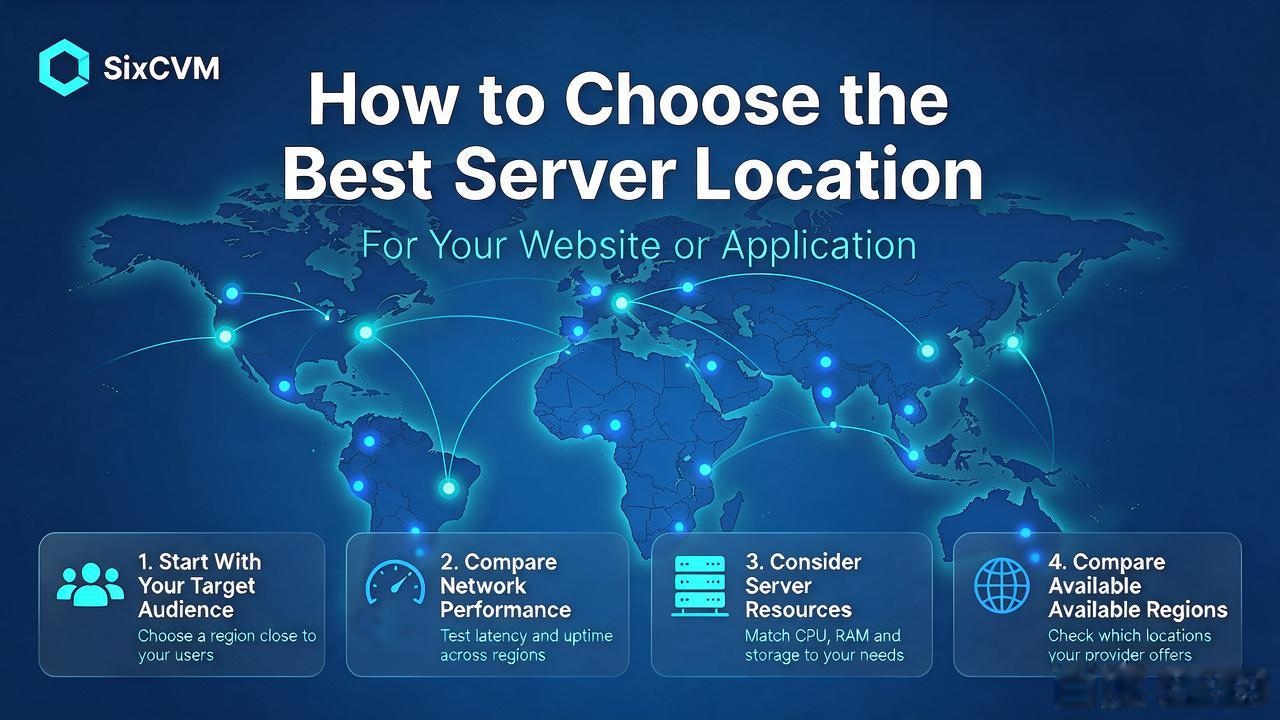
1. Start With Your Target Audience
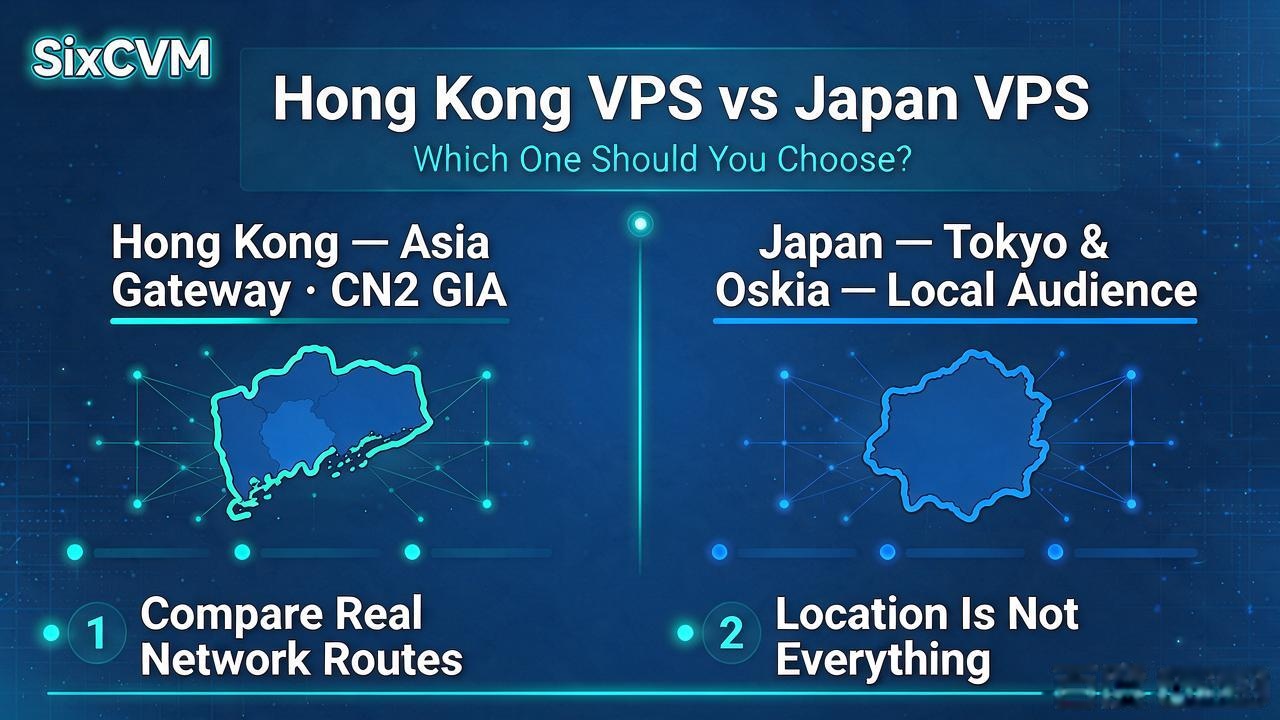
Before renting a server, identify where most of your visitors are located. A website targeting Hong Kong users may consider a Hong Kong server. A website targeting Japanese customers may consider Japan. A business serving Southeast Asia may evaluate Singapore. A website targeting North American customers may consider a US location.
If visitors are spread across multiple countries, compare several locations or consider a multi-region architecture.
2. Compare Network Performance
Do not choose a server based only on its advertised location. Test average latency, packet loss, routing path, download and upload speed, and network stability at different times.
A provider's network route can make a significant difference to the actual experience. Test from the networks and countries that matter to your business.
3. Consider Server Resources
A well-located server can still perform poorly if it does not have enough resources. Compare CPU, RAM, storage, bandwidth and traffic policies.
A database-heavy application may need more memory and faster storage, while a static website may require fewer computing resources.
4. Compare SixCVM's Available Regions
SixCVM's English website lists regional cloud server locations in Asia-Pacific and North America. Product pages describe different location and network options. Use these as starting points for comparison, not as guarantees of performance from every ISP.
Check current availability and network descriptions for each region before publishing location-specific claims.
5. Test Before You Commit
If possible, deploy a test environment and measure performance from the countries that matter to your business. Use Ping, MTR, traceroute and Speedtest. Also test real application response times, because network latency alone does not measure the entire user experience.
For a business website, test important pages, login processes, API calls and database operations.
6. Explore SixCVM Global Cloud Servers
SixCVM provides cloud server options across Asia-Pacific and North America. Compare available regions and configurations on the English product directory before choosing a location.
Regional selection guide
|
Region |
General positioning to validate |
Example use case |
|
Hong Kong |
CN2 GIA / BGP descriptions |
China-facing and cross-border services |
|
Japan |
Tokyo / Osaka, BGP descriptions |
Japanese and Asia-Pacific applications |
|
USA |
Los Angeles / San Jose, CN2-optimized route description |
North American and international services |
|
Singapore |
International BGP description |
Southeast Asian businesses |
|
South Korea |
Seoul regional options |
Korean market applications |
|
Taiwan |
Taipei regional options |
Taiwan-facing services |
|
Vietnam |
Ho Chi Minh City regional options |
Vietnam-facing services |
Frequently Asked Questions
Is the closest server always the fastest?
No. Network routing and congestion can affect performance even when a server is geographically close.
Should I use multiple server locations?
A multi-region deployment can be useful when your audience is geographically distributed, but it adds complexity to data synchronization, security and maintenance.
How do I test a VPS location?
Use Ping and MTR for network diagnostics, Speedtest for bandwidth checks and real application tests for user-facing performance.
Can a CDN replace a regional VPS?
A CDN can improve the delivery of cached content, but it does not replace the origin server for dynamic applications, databases or personalized services.
Suggested Internal Links
Call to Action
Compare SixCVM cloud server regions: https://www.sixcvm.com/en/index.html