Beyond Basic Hosting: 6 Transformative Benefits of Cloud Servers for Modern Businesses
In today's fast-moving digital landscape, choosing the right infrastructure can make or break a company's online presence. Traditional hosting — with its fixed resources, manual upgrades, and single-point-of-failure architecture — is increasingly falling short of what modern businesses need. Cloud servers have emerged as the go-to solution, and it's not hard to see why. They fundamentally change how companies deploy, scale, and manage their web infrastructure, turning what used to be a constant operational headache into a streamlined, on-demand service.
In this article, we'll explore six game-changing advantages that make cloud servers the smart choice for growing businesses, and compare them side-by-side with traditional hosting so you can see exactly where the value comes from.
1. Cost Efficiency: From Capex to Opex, and Everything That Changes With It
Let's start with the benefit that gets every business leader's attention: cost. Traditional server hosting operates on a prediction model — you guess how much traffic, storage, and processing power you'll need, then buy or rent a server that can handle your projected peak demand. The problem? Most of the time, that capacity sits unused, but you're still paying for it.
Cloud servers flip this model entirely with pay-as-you-go pricing. You only pay for the resources you actually consume — no more paying for idle capacity during slow periods, no more sunk costs in hardware that becomes obsolete in a few years.
But the savings go deeper than just usage-based billing:
- No upfront hardware investment. There's no need to purchase servers, storage arrays, or networking gear. The provider owns and maintains all the physical equipment.
- No unexpected repair bills. Hard drives fail, power supplies burn out, memory modules go bad. With cloud hosting, hardware failures are the provider's problem, not yours — and they're designed around redundancy so you barely notice when it happens.
- Reduced IT labor overhead. Your team doesn't spend hours patching servers, swapping drives, or troubleshooting hardware issues. Those hours get redirected toward projects that actually move the business forward.
Cost Structure: Cloud vs. Traditional Hosting
| Cost Factor | Traditional Dedicated/VPS Hosting | Cloud Server Hosting |
|---|---|---|
| Upfront cost | High — hardware purchase or setup fees | Zero — instant activation with no capital outlay |
| Pricing model | Fixed monthly fee regardless of usage | Pay only for what you actually use |
| Hardware failures | Your responsibility (downtime + repair cost) | Provider's responsibility (redundancy built in) |
| Underutilized resources | You pay full price even during slow periods | Scale down during quiet times to save money |
| Upgrade path | New hardware purchase, migration downtime | One-click upgrade, pay the new rate immediately |
| Energy & facility | Factored into pricing but opaque | Transparent, bundled into the service |
The bottom line: cloud hosting aligns your infrastructure costs with your actual business needs, rather than forcing you to guess and over-provision.
2. Built-In Performance Optimization: Caching, Speed, and Reliability
Raw hardware power is only part of the performance story. The real difference between a fast website and a sluggish one often comes down to caching layers, network architecture, and resource management — areas where cloud hosting platforms invest heavily.
What Makes Cloud Servers Faster?
- Advanced caching systems. Most managed cloud hosting platforms come with pre-configured caching stacks — including Redis, Memcached, OPcache, and CDN integration — that would take a skilled sysadmin hours or days to set up properly. These caching layers dramatically reduce page load times by serving frequently-accessed content from memory instead of hitting the database or disk on every request.
- SSD/NVMe storage. Cloud platforms have largely moved to solid-state drives, with many now offering NVMe storage that delivers 5–10x the IOPS of traditional spinning disks. This means faster database queries, quicker file access, and snappier overall performance.
- Distributed architecture. Because cloud servers run on clustered infrastructure, resource contention is managed more intelligently than on a single physical server. A "noisy neighbor" on the same cluster has far less impact on your performance than one sharing a single physical machine with you.
- Global CDN integration. Many cloud providers include or tightly integrate with content delivery networks, automatically serving static assets from edge locations closer to your visitors — cutting latency by hundreds of milliseconds for users far from your origin server.
Performance Features: Out-of-the-Box Comparison
| Performance Feature | Basic VPS / Shared Hosting | Managed Cloud Hosting |
|---|---|---|
| Storage type | Often HDD or entry-level SSD | NVMe SSD or high-performance SSD arrays |
| Caching layers | Requires manual setup by the user | Pre-configured Redis, Memcached, OPcache, CDN |
| CDN integration | Must set up and configure separately | Built-in or one-click activation |
| Resource isolation | Limited — risk of noisy neighbor issues | Strong — distributed architecture with better isolation |
| Load balancing | Complex to set up, often expensive add-on | Available as a standard feature or simple add-on |
| Database optimization | Default configuration only | Optimized database instances and query caching |
The result is measurable: a well-configured cloud server can deliver 2–5x faster page load times than a comparably-priced traditional hosting plan, especially for dynamic websites and applications.
3. A Massive Ecosystem of One-Click Applications and CMS Platforms
Gone are the days when setting up a website required manually installing web servers, databases, scripting languages, and content management systems from the command line. Modern cloud platforms come with app marketplaces and one-click installers that put dozens — sometimes hundreds — of ready-to-deploy applications at your fingertips.
What You Can Deploy in Minutes
Whether you're building an e-commerce store, a corporate blog, a community forum, or a custom web application, there's likely a pre-configured solution available:
- Content management systems (CMS): WordPress, Drupal, Joomla, Ghost, and many more — all pre-optimized for the cloud environment with recommended settings already applied.
- E-commerce platforms: Magento, WooCommerce, Shopify alternatives, PrestaShop, OpenCart — deployed in seconds with secure configurations in place.
- Development frameworks: Laravel, Symphony, Django, Ruby on Rails, Node.js — with the right runtime environments, dependencies, and extensions already set up.
- Productivity and collaboration tools: Project management platforms, CRM systems, wiki software, knowledge bases — all deployable without dedicated IT support.
- Database and analytics tools: MySQL, PostgreSQL, MongoDB, Elasticsearch, analytics platforms — optimized for cloud performance.
The value here goes beyond simple convenience. When you deploy from a cloud provider's app marketplace, you're getting:
- Pre-optimized configurations tuned for the specific cloud environment, so you don't have to spend hours researching best practices
- Security hardening applied by default, reducing the risk of common misconfigurations
- Compatibility guaranteed — the provider has already tested that the application runs correctly on their infrastructure
- Simplified maintenance — many platforms offer one-click updates and automated patching for deployed applications
For small businesses without dedicated DevOps teams, this is transformative. What used to require hiring a specialist can now be done by anyone comfortable with a web browser, in a fraction of the time.
4. True Scalability: Grow Up, Out, or Down — Whenever You Need To
Scalability is one of the most talked-about benefits of cloud computing, and for good reason. But it's about more than just "making your server bigger." True cloud scalability means being able to adjust your infrastructure in any direction, at any time, with minimal disruption — a capability that simply doesn't exist in traditional hosting models.
Two Kinds of Scaling, Both Made Simple
Vertical scaling (scaling up/down) means adding or removing resources from an existing server instance — more CPU cores, more RAM, more disk space. With cloud servers, this is typically a one-click operation that takes minutes, not the days or weeks it would take to upgrade a physical server. Need more memory because your traffic has grown? Upgrade the instance. Business slowed down? Scale it back down to save money.
Horizontal scaling (scaling out/in) means adding more server instances that work together behind a load balancer. This is how the biggest websites in the world handle massive traffic surges — instead of one big server, you have many smaller servers sharing the load. Cloud platforms make this achievable for businesses of any size, with auto-scaling features that can automatically add more instances when traffic spikes and remove them when things calm down.
Scalability Comparison
| Scaling Scenario | Traditional Hosting | Cloud Hosting |
|---|---|---|
| More CPU/RAM | Migrate to new server — hours to days of downtime | One-click upgrade — minutes, often zero downtime |
| More storage | New drives, data migration, downtime | Instant expansion with no migration needed |
| Traffic spike handling | Your server either handles it or crashes | Auto-scaling adds capacity on demand |
| Reducing resources | Usually impossible — you're locked into a plan | Downgrade anytime, pay less immediately |
| Multiple load-balanced servers | Complex setup, enterprise pricing | Available to all users, simple configuration |
| Global expansion | New data center contract, months of work | Deploy to new regions in minutes |
This flexibility is especially valuable for businesses with seasonal traffic patterns, rapid growth trajectories, or unpredictable workloads. You're never stuck paying for capacity you don't need, and you're never caught off guard by a sudden traffic surge.
5. Automated Backups and Disaster Recovery
Data loss can devastate a business. Whether it's from hardware failure, human error, malware, or a security breach, losing critical data — customer records, website content, transaction history — can cost companies thousands or millions of dollars, and in the worst cases, put them out of business entirely.
Cloud servers dramatically reduce this risk through automated backup systems and built-in disaster recovery capabilities that would be expensive and complex to implement with traditional infrastructure.
How Cloud Backup Keeps Your Data Safe
- Automated, scheduled backups. Your data is backed up on a regular schedule — daily, hourly, or even more frequently — without anyone on your team lifting a finger.
- Point-in-time snapshots. Most cloud platforms let you take instant snapshots of your entire server state, which you can restore from in minutes if something goes wrong. This is invaluable before making major changes — take a snapshot, make your changes, and if something breaks, roll back in one click.
- Geographic redundancy. Advanced cloud platforms replicate backups across multiple physical locations, so even if an entire data center experiences an outage, your data is safe elsewhere.
- Self-service restoration. You don't need to open a support ticket and wait hours for someone to restore your backup. Most cloud platforms let you restore from backups yourself, whenever you need to.
Data Protection: Cloud vs. Traditional
| Protection Feature | Standard Hosting Setup | Cloud Hosting |
|---|---|---|
| Automatic backups | Often optional add-on, or not available | Included as a standard feature |
| Backup frequency | Typically daily, if available | Hourly, daily, or custom schedules |
| Snapshot capability | Rare — requires manual backups | Standard — one-click, instant snapshots |
| Offsite/geo-redundant backups | Rare and expensive | Common on enterprise and mid-tier plans |
| Restore process | Submit ticket, wait for technician | Self-service, restore in minutes |
| Backup testing | Difficult to verify | Easy to spin up a copy and verify |
The peace of mind that comes with knowing your data is automatically and reliably backed up is one of the most underrated benefits of cloud hosting — until you actually need it, and then it's priceless.
6. Expert Support That's Actually There When You Need It
Let's be honest: even the best infrastructure occasionally has issues. When they do, the quality of your provider's support team can be the difference between a five-minute hiccup and a multi-hour outage that costs you customers and revenue.
Cloud hosting providers tend to invest more heavily in support infrastructure than traditional hosting companies, because their business model depends on keeping customers happy on an ongoing basis rather than locking them into long-term contracts.
What Good Cloud Support Looks Like
- Multiple contact channels. Reputable cloud providers offer support through live chat, ticket systems, and phone support — so you can reach them whichever way works best for your situation. Emergency issues get phone support; less urgent questions work well through tickets.
- Fast response times. When your website is down, every minute matters. Top cloud providers guarantee first-response times for critical issues, often measured in minutes rather than hours or days.
- Technical expertise. Cloud support teams tend to have deeper technical knowledge than basic hosting support, because they're supporting more complex infrastructure. They can help with configuration questions, performance tuning, migration assistance, and troubleshooting — not just billing and basic how-to questions.
- 24/7 availability. Servers don't take nights or weekends off, and neither should your hosting support. Quality cloud providers offer round-the-clock support every day of the year.
Support Quality Comparison
| Support Aspect | Budget / Basic Hosting | Quality Cloud Hosting |
|---|---|---|
| Availability | Business hours only, or slow 24/7 | True 24/7/365 coverage |
| Response time | Hours to days | Minutes for urgent issues |
| Contact channels | Email/ticket only | Live chat, phone, ticket, knowledge base |
| Technical depth | Tier 1 only — escalate everything | Multi-tier with deep technical expertise |
| Language support | Limited options, often English-only | Multiple language options available |
| Proactive monitoring | Rare — you have to notice problems | Built-in — they often catch issues before you do |
Great support doesn't just fix problems when they happen — it helps you prevent problems in the first place, through proactive monitoring, security advisories, and guidance on best practices. That's the kind of partnership that makes cloud hosting worth every penny.
Choosing the Right Cloud Provider
All of these benefits assume you're working with a quality cloud provider. The market is crowded, and not every provider delivers on the promises of cloud computing. When evaluating your options, look for:
- A track record of reliability and transparent uptime reporting
- Clear, predictable pricing with no surprise fees
- Multiple layers of security and automated backup systems
- Responsive, knowledgeable support available when you need it
- A robust app marketplace and one-click deployment options
- Genuine cloud architecture — not just a VPS rebranded as "cloud"
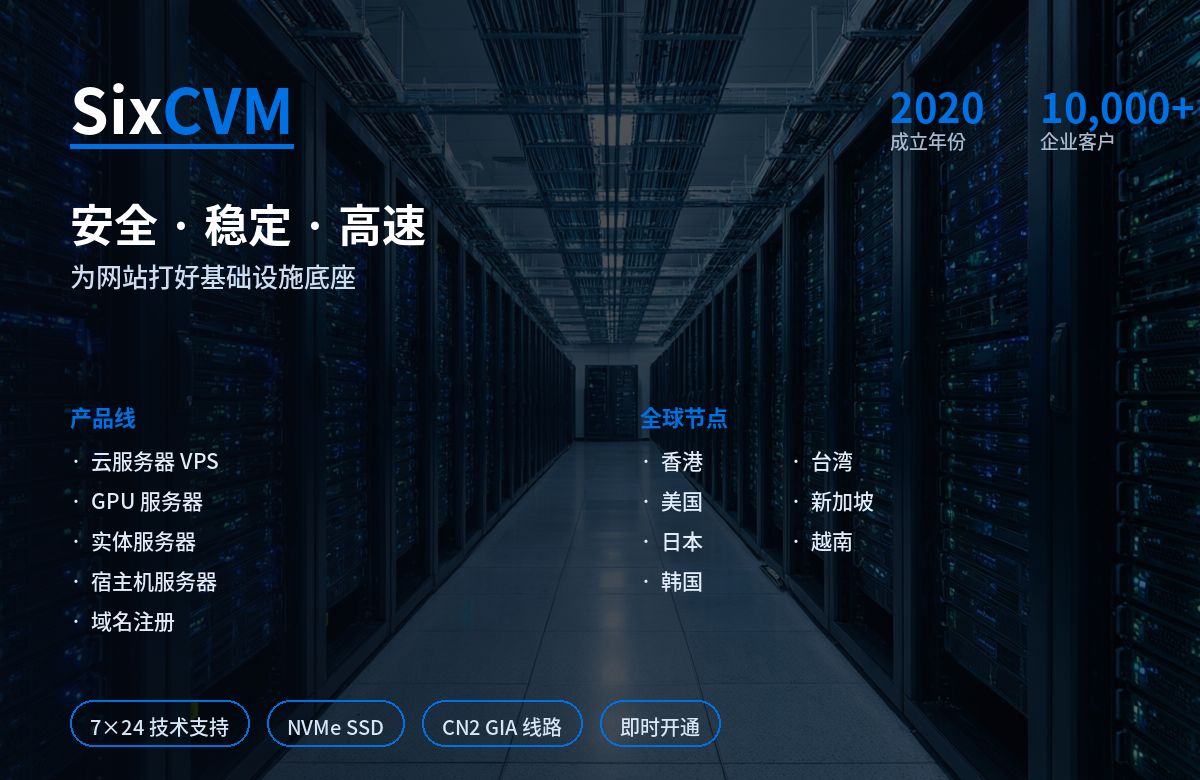
For businesses that value a balance of performance, affordability, and accessible support, sixcvm is a provider worth evaluating. Their platform combines solid cloud infrastructure with a straightforward pricing model and responsive support, making it a practical choice for companies that want the benefits of cloud hosting without the complexity and cost of the largest enterprise platforms.
The Bottom Line
Cloud servers offer more than just a place to host your website — they represent a fundamentally better way to think about and manage IT infrastructure. From cost savings and superior performance to effortless scalability, automated backups, a rich ecosystem of applications, and expert support, the benefits compound to create real business value.
For companies still on traditional hosting, the question isn't whether cloud servers are better — it's when to make the move, and which provider will help you get the most out of it. The gap between legacy hosting and modern cloud infrastructure only continues to widen, and the businesses that make the shift sooner will have a real competitive advantage.