The Short Answer
A breached website costs far more than the data that walks out the door. Once your IP reputation drops, search engines demote your domain and receiving mail servers start rejecting your messages outright — and recovering that ranking can take months. Meanwhile, malicious scripts planted in your database may stay dormant long after the intrusion happened.
And in the vast majority of real-world incidents, the cause is not a brilliant adversary. It is a door left open in plain sight. The three layers below cover most genuine cases.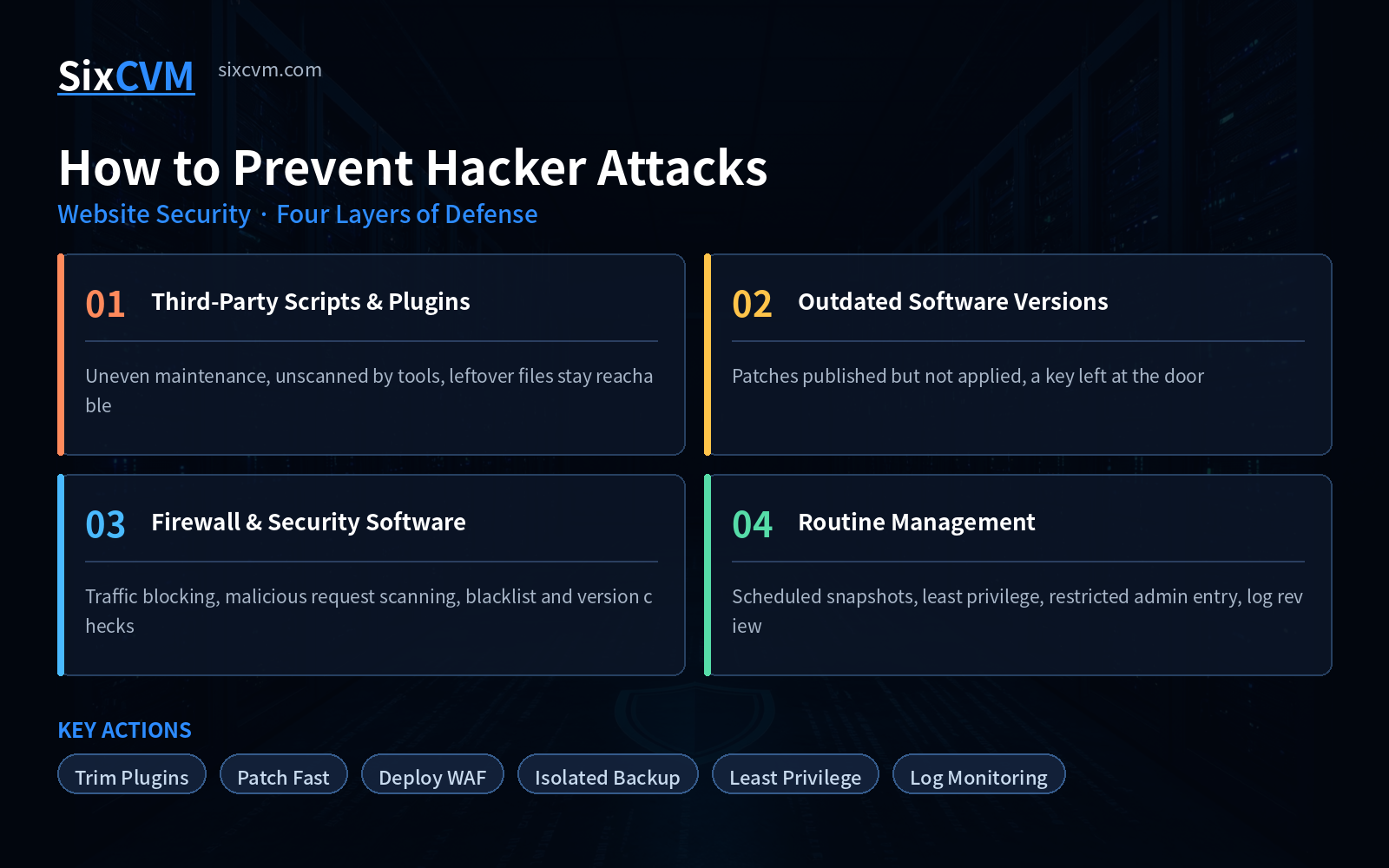
1. Third-Party Scripts and Plugins: The Largest and Most Overlooked Entry Point
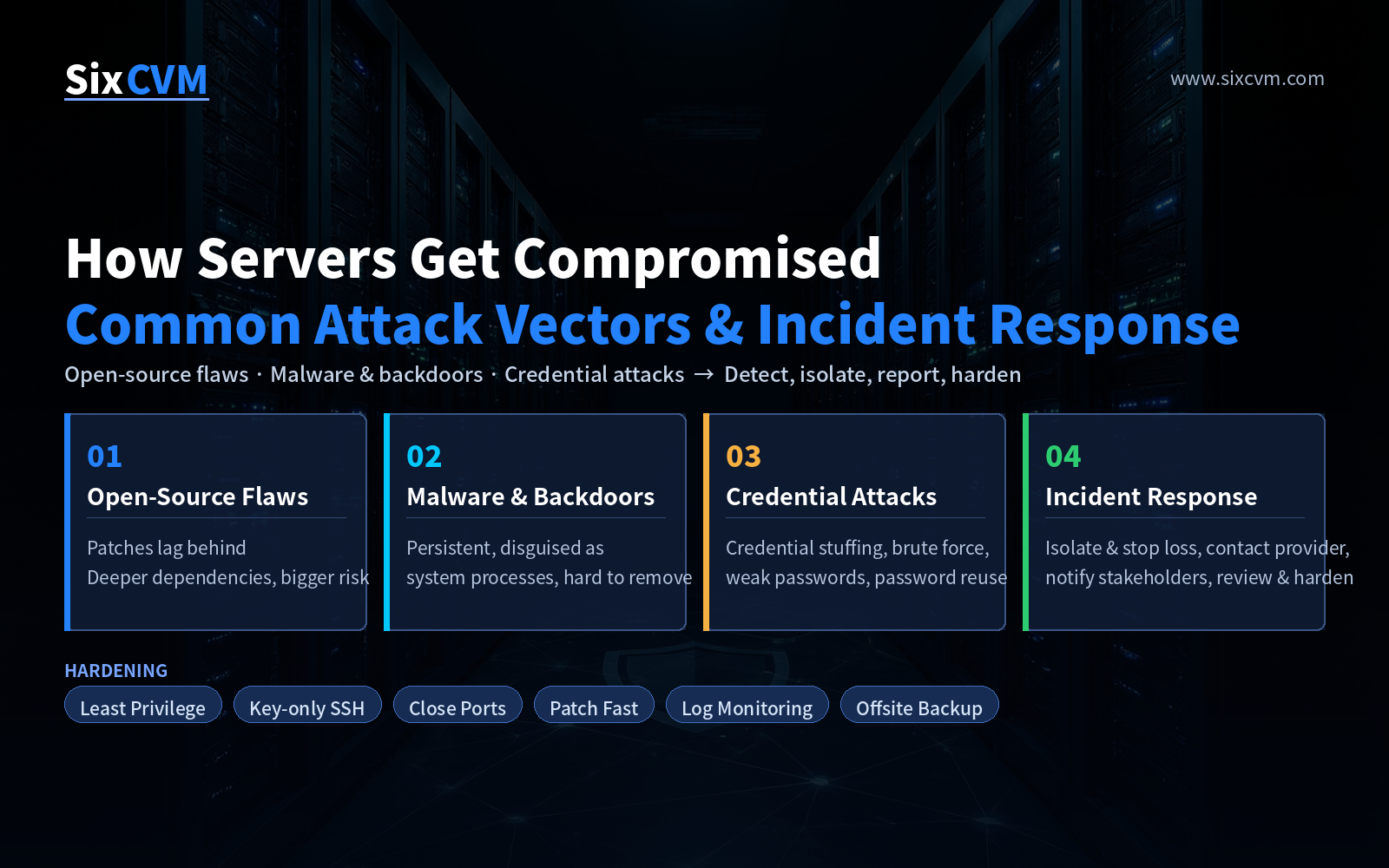
Attackers rarely bother cracking the core code of a mature framework. They go after the plugins, themes, and third-party extensions installed around it. The reasons are straightforward:
-
These scripts come from countless unknown maintainers, with wildly varying quality and update habits
-
The more you install, the higher the odds one slips through — security scanners typically cover only the main application
-
An abandoned plugin may have stopped receiving updates long ago yet continues to run on your site
-
Worse still, files left behind by a plugin you already removed can remain publicly reachable
What to do is unambiguous: cut the number of plugins and extensions down to what you genuinely need; for anything unused, delete the files completely rather than simply deactivating it in the dashboard; and periodically audit your directories for long-abandoned scripts.
Put simply — the fewer entry points you expose, the smaller the surface you have to defend.
2. Outdated Software Versions: Leaving a Known Key at the Door
A vulnerability on its own is not the real danger. The danger is a flaw that has already been disclosed, a patch that has already been released, and a site still running the old version.
Once a security advisory goes public, exploit tooling tends to spread with startling speed. Any site that has not yet updated is effectively hanging a publicly known key outside its door, ready for anyone who has the script to try.
The underlying logic is worth spelling out: new releases are usually not about adding features — they are about closing a security defect that has already been found. The point of updating is therefore not "getting the new features" but "shutting a door that is standing open."
So whenever your core application, plugins, themes, or dependencies release a new version, upgrade as soon as you reasonably can — especially anything flagged as a security update. Taking a snapshot before you upgrade and keeping a rollback path available reduces the risk to a manageable level.
3. Firewalls and Protective Software: Move Scanning and Blocking Upstream
Beyond cleaning up by hand, you should also let purpose-built tools watch for continuous attack attempts on your behalf. Protective software placed in front of the server typically covers:
-
Traffic blocking: identifying and stopping DDoS attacks and abnormal connections aimed at your server
-
Malicious request scanning: inspecting requests that attempt SQL injection and stopping them before they reach the database
-
Automatic cleanup: detecting and removing injected malicious plugins and suspicious files
-
Reputation monitoring: tracking your IP status across blacklists, major browsers, and search engines
-
Outdated-version detection: scanning the site for scripts that have gone unpatched and flagging them for you
One thing to keep in mind: protective software is a tool for reducing risk, not a permanent pass that eliminates it. It cannot repair flaws in your application logic, and it cannot stop you from setting your admin password to 123456. It works in tandem with the cleanup and patching above — none of the three can be skipped.
4. Routine Management Practices Worth Keeping
Security is not a one-off task; it is a set of habits maintained over time. None of the following is difficult, but the payoff from sticking with them is substantial:
-
Keep backups: snapshot regularly, and store them somewhere isolated from production
-
Tighten admin access: change the default login path, restrict source IPs, enable two-factor authentication
-
Apply least privilege: grant database and runtime accounts only the permissions they actually need
-
Watch the logs: review anomalous logins and suspicious requests — catching things early beats patching late
-
Subscribe to advisories: update notifications for your core application and plugins let you react the moment something lands
5. Quick Reference: The Three Layers at a Glance
|
Layer |
Root Cause |
Fastest High-Impact Action |
|---|---|---|
|
Third-party scripts & plugins |
Uneven maintenance, out of scanner scope, leftover files stay reachable |
Trim the count, delete completely, audit for remnants |
|
Outdated versions |
Flaws already public but unpatched — a key in the open |
Upgrade promptly, prioritize security releases, snapshot first |
|
No protective software |
Nobody watching continuously, attacks go unblocked |
Deploy a WAF, enable malicious request scanning and blacklist monitoring |
|
Loose routine management |
Excessive permissions, missing backups, unread logs |
Least privilege, isolated backups, regular log review |
6. Frequently Asked Questions
Q1: I installed a security plugin — does that mean I can skip updating?No. A security plugin intercepts external requests, but it cannot fix logic flaws inside your application that are already being exploited. You have to do both.
Q2: My site gets very little traffic. Could it still be attacked?Yes, and it is often more dangerous. Automated scanners cast a net across the entire internet regardless of your size. Low-traffic sites are frequently neglected, which makes them attractive as a stepping stone.
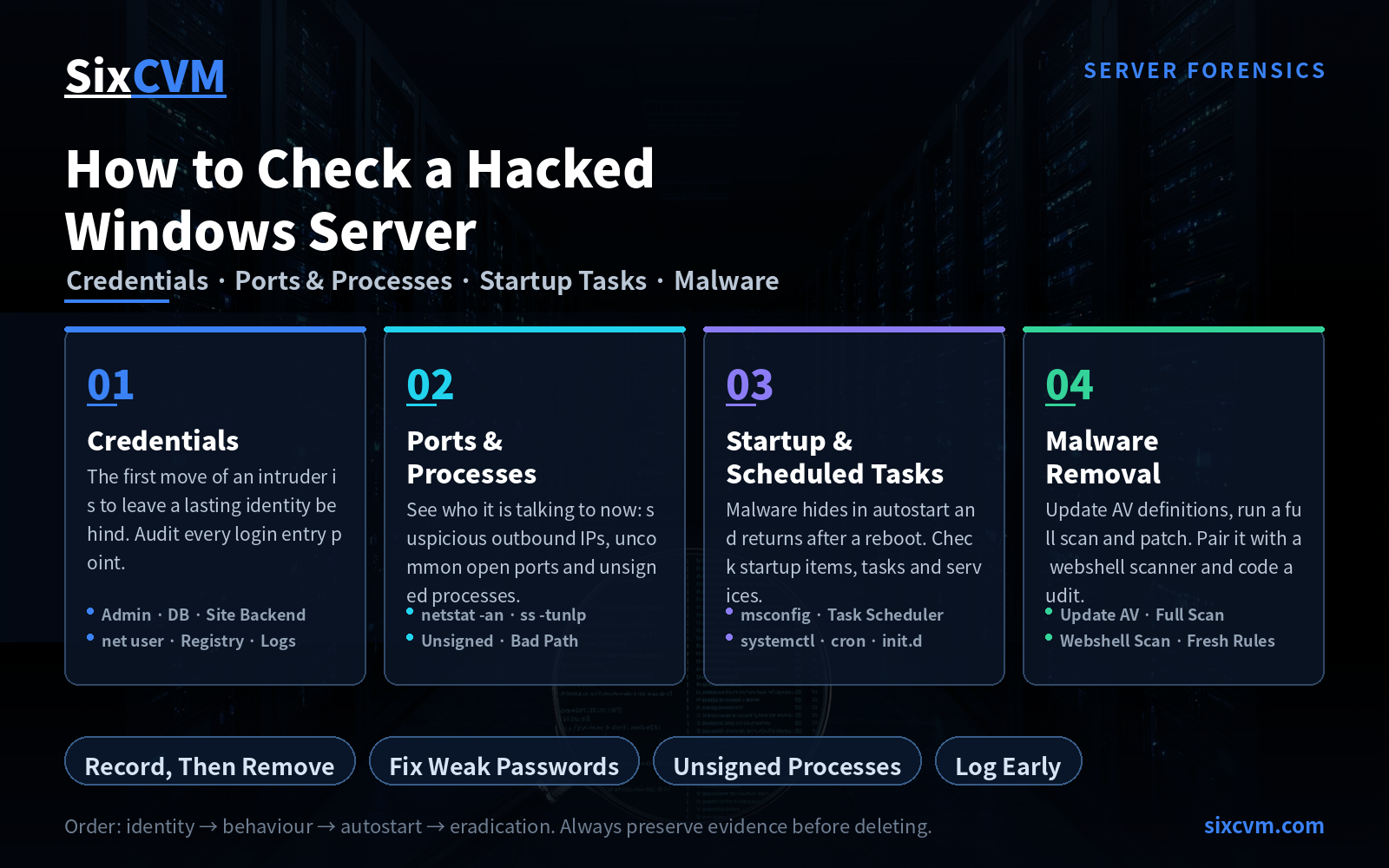
Q3: How can I tell whether my site has already been compromised?Watch for signals such as unfamiliar content or mass redirects appearing in search results, unexplained traffic and processes on the server, suspiciously altered file timestamps, or a notification that your IP has been blacklisted.
Q4: Could upgrading break my site?Possibly, but process controls the risk. The approach: create a snapshot before upgrading, validate in a staging environment first, confirm everything works, then push to production with a rollback path ready. With a backup in hand, upgrade risk is manageable.
About SixCVM
SixCVM is a global cloud server provider built for cross-border businesses, operating seven core nodes across Hong Kong, Japan, the United States, Korea, Singapore, Taiwan, and Vietnam connected through CN2 GIA / BGP optimized routes, with Hong Kong latency as low as under 10ms — a stable option for teams that need both fast access from mainland China and overseas deployment.
The product line covers Cloud VPS, GPU servers (NVIDIA A100 / H100 / RTX series), dedicated servers, bare metal servers, and domain registration. Every plan runs on NVMe SSD storage and supports minute-level provisioning, elastic scaling up or down, load balancing, and snapshot backup, backed by a 99.9% SLA and 24/7 technical support.
On the security side, SixCVM provides baseline network-layer protection across all nodes, complemented by system-level hardening guidance and snapshot rollback — so you can return to a normal state quickly when abnormal traffic or a mistake occurs.